


Product Image Watermark for WooCommerce
Product Image Watermark for Woocommerce plugin allows you to apply watermark on WooCommerce products images on downloadable products. These watermarks can be a copyright symbol or company logo as a PNG image. Product Image Watermark for WooCommerce is a fully customizable feature that is added to your WooCommerce product image.


Why Secure Your Images With The Watermark Plugin?
-

Automated Watermarking Process
Want an automatic process? This plugin provides the automatic addition of a watermark for WooCommerce downloadable product images. This feature helps in adding watermarks such as your company's logo with just a click. In this way, it saves your time and eases your watermarking procedures.
-

Apply On Existing Images
What if you want to add your logo to your existing products? With Product Image Watermark, you can even apply a watermark to your already uploaded product in your gallery. This essentially provides you to add a watermark even to the bulk of the images in your media library.
-

Repeat Your Watermark
What if you want to repeat a watermark? It is very tiring to add the same watermark manually repeatedly on the same bunch of images. With the product image watermark, you will have the flexibility to repeat the watermark multiple times on a single image with a single command.
-

Manage Watermark Alignment
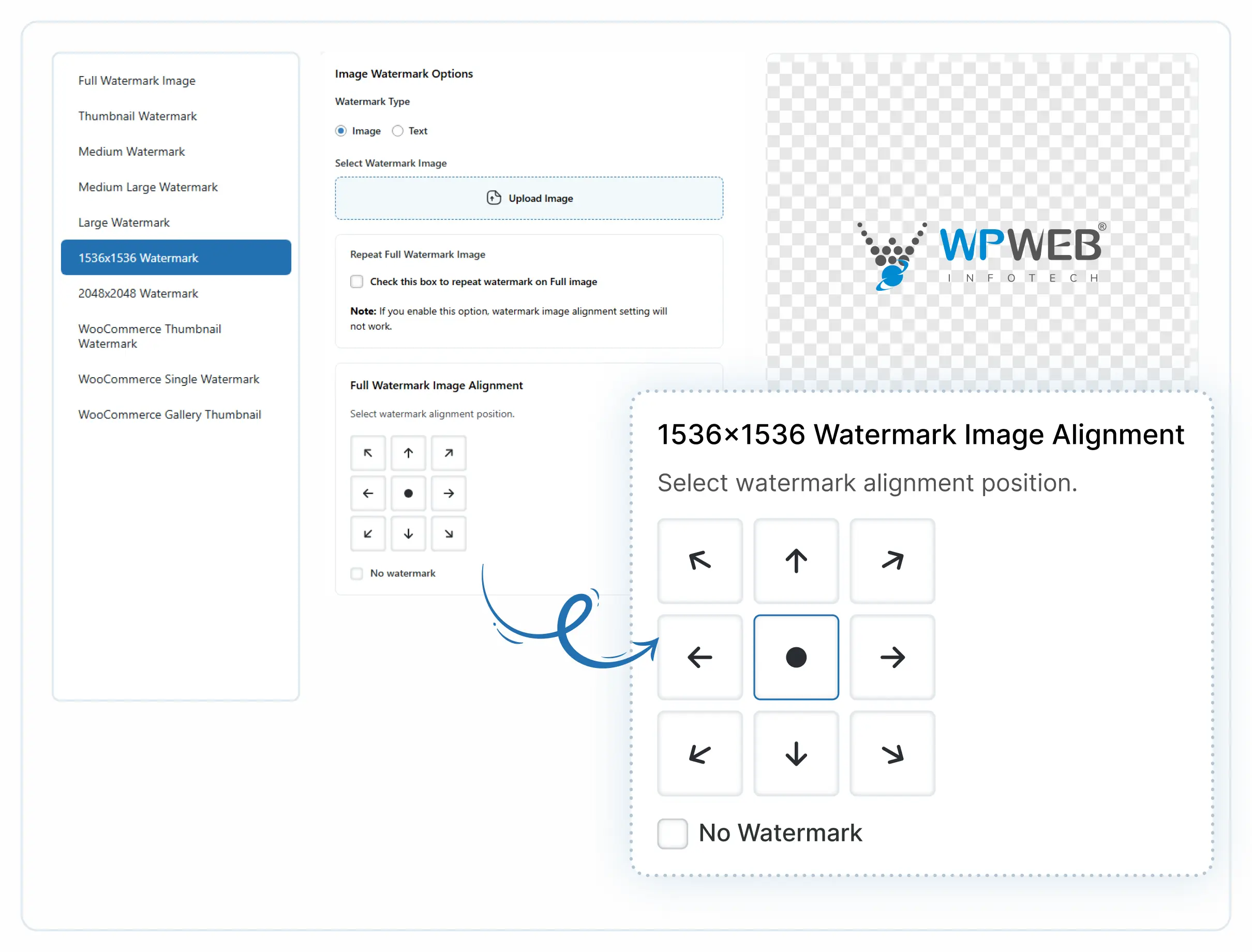
Add a watermark to enhance the product image. This plugin helps in the alignment of a Watermark to the specific position on the image. You are provided with 9 different positions from which you can choose to place the watermark. These positions include center, right, middle, and left variations.
-
Supports ALL Sizes
Will it support your image size? The plugin does have the ability to set the watermark on all of the custom sizes and default sizes of an image. This plugin helps to set the watermark size as per the size of the image, thus making it adjustable for every image size of your product.
-
Disable/Restrict Watermark
This plugin allows the flexibility to disable the watermarking feature for a specific user if you don't want to allow a specific user to use your watermarking feature. You can restrict the watermark from its settings for a single or multiple users from using your watermark and thereby managing it.
-
Works With Any WordPress Theme
Product Image Watermark can be customized so that it can easily blend with the look and feel of your site. The button's text, icons, and other features are manageable to make sure the plugin fuses with your theme. By adding custom CSS code to our module you can use the plugin on posts, Pages, and Custom Post Types without worrying about limits.
-
Responsive And Mobile Ready
The layouts work on any device and are very user-friendly, we understand that for an online store it is important to be responsive. This plugin makes sure navigation is easier because it removes extra clicks while the plugin provides a ton of customization options, like enhanced mobile support, a tailor-made menu, and showing control for all the pages.
-
Standard Coding & Lifetime Updates
Our code is always clean and error-free. With standard code commenting we ensure that the plugin works properly within the WordPress Framework. Our coding is so flawless that your site will never slow down or face any problem. With the purchase you will get a lifetime update and a team of professionals will always be there to provide service and solutions.


With Product Image Watermark You Can
Upload Watermark Image
The plugin has the ability to upload the watermark image and allows you to set full watermark alignment at 9 places.

Watermark On Different Size Images
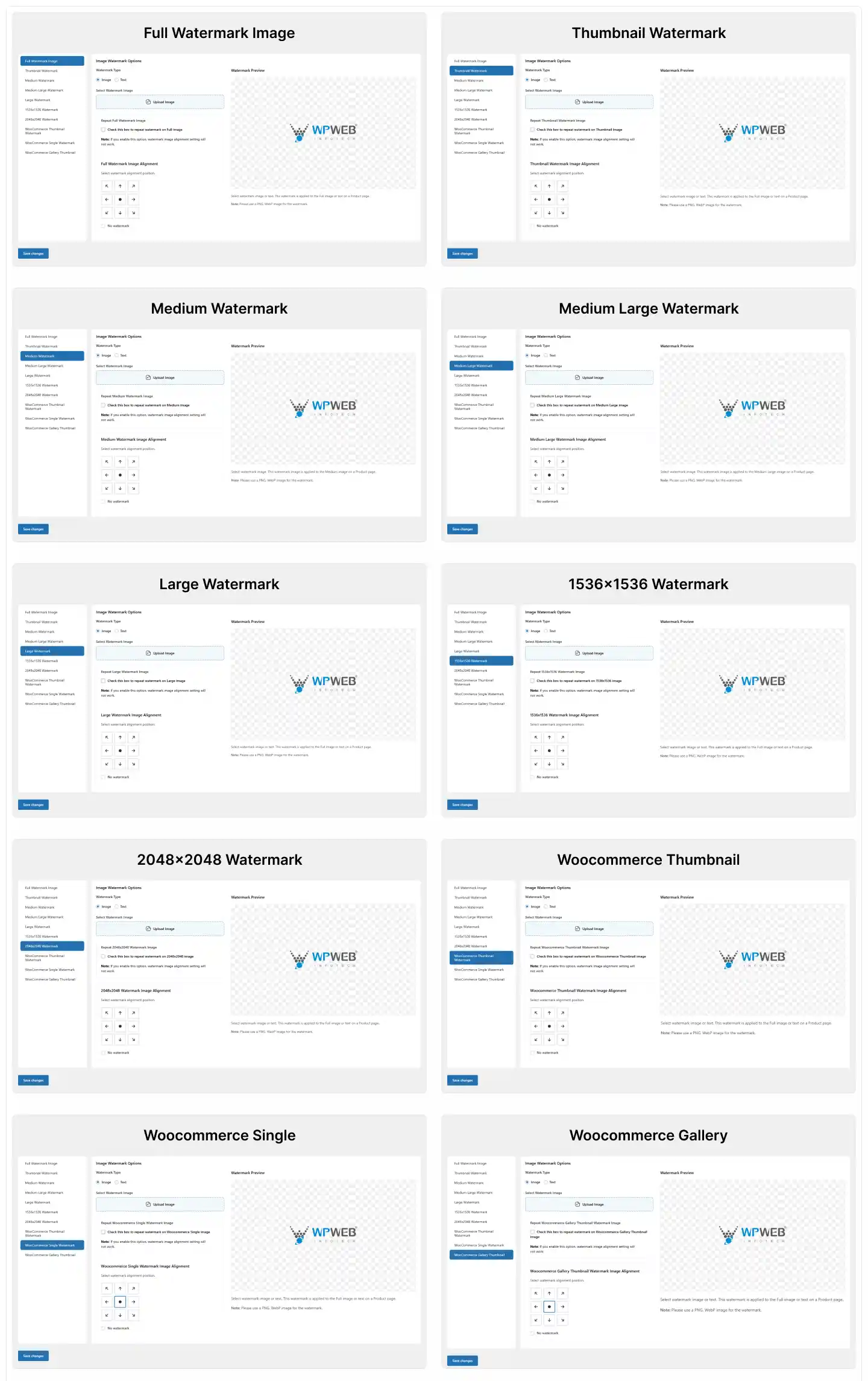
The plugin provides you the flexibility to apply watermark on different sizes of the images like Full Image, Thumbnail, Medium, & large. 1536×1536, 2048×2048, Post-thumbnail, WooCommerce_thumbnail, WooCommerce_single, WooCommerce_gallery_thumbnail, WooCommerce_gallery_thumbnail, Shop_catalog, Shop_single and Shop_thumbnail
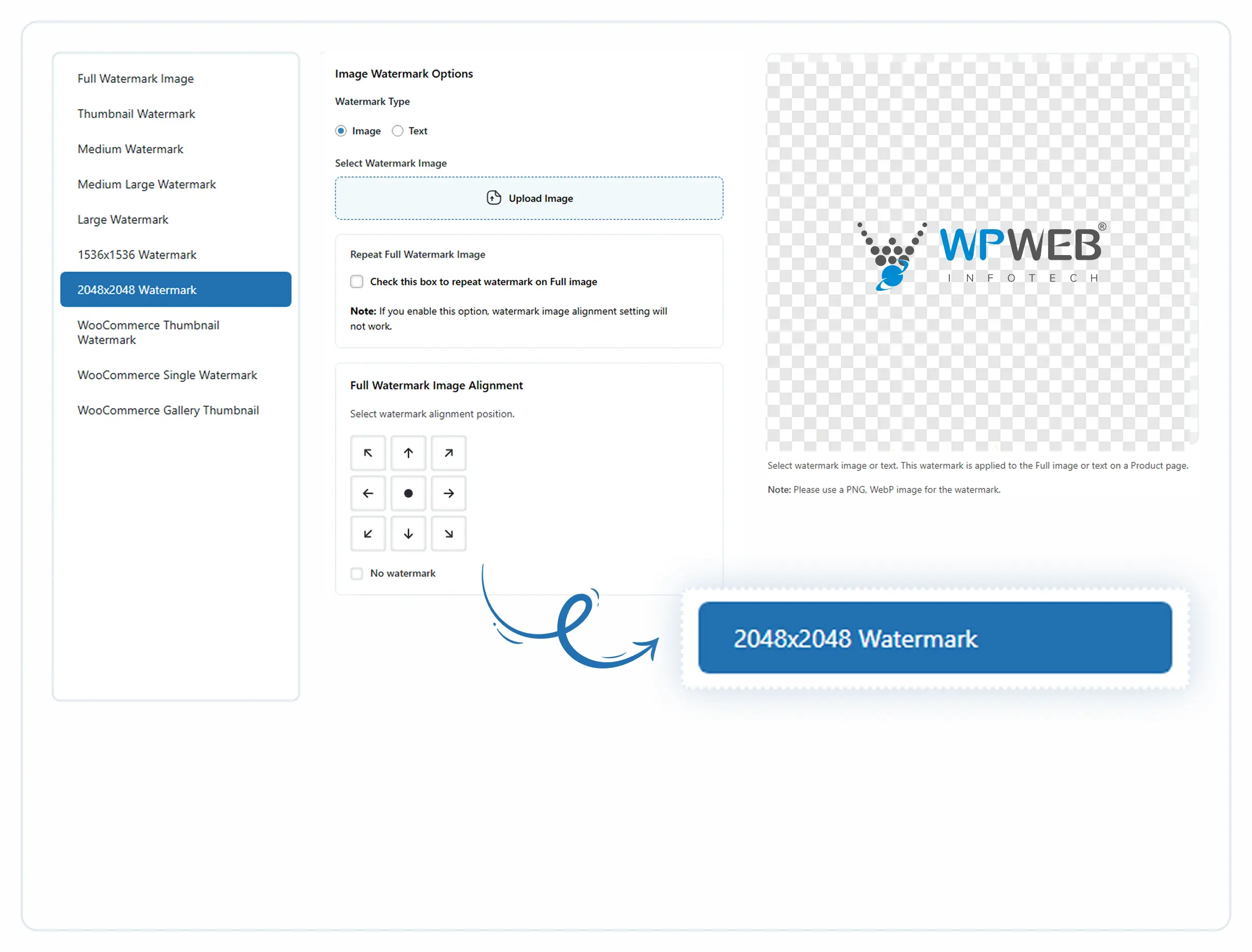
Watermark Image Alignment Control
Add Text as Watermark

User Restriction
From the user list, you can disable or restrict the image watermark for images uploaded by a particular user.

Regenerate Thumbnails
The plugin provides the ability to replace the old watermark with the new watermark by regenerating the thumbnails.

SCREENSHOTS




Technical Info
| Current Version: | 1.0.7 | ||
| Last update: | 25 July 2025 | ||
| WordPress: | 5.0 or higher | ||
| WooCommerce: | 3.2 or higher | ||
| Compatible with: | WPML | ||
| Resources: | Documentation | ||
| Version History | |||
Product Image Watermark for WooCommerce is also Compatible with


Frequently Asked Questions
Why watermark not applied to some images? I have already regenerated thumbnails.
Please make sure you have attached image to any product from the admin menu Media -> Library
How can I replace all the old watermarks with the new watermark?
Please follow below to regenerate all thumbnails
Go to Woocommerce – Regenerate Thumbnails – Click on the Regenerate Thumbnails button to replace the old watermark with the new watermark
What image types does the plugin support
The plugin supports PNG and WebP image types for the watermark.
Get Tailored Digital Solutions for Your Growth!