
Quick Summary: This guide compares 10 popular WooCommerce themes for building an eCommerce store in 2026, covering Astra, Flatsome, Shoptimizer, Blocksy, WoodMart, Kadence, OceanWP, Storefront, Neve, and Botiga. It covers key WooCommerce features, customization options, performance capabilities, and pricing to help store owners choose a theme based on their budget and business needs.
The best WooCommerce theme for an eCommerce store depends on your store’s performance requirements, design needs, WooCommerce features, customization options, and budget. In 2026, themes such as Astra, Blocksy, Shoptimizer, Flatsome, WoodMart, Kadence, and Storefront remain popular choices, but they differ significantly in performance, design flexibility, and built-in shopping features.
As a leading WooCommerce development company, we recommend that choosing a WooCommerce theme is more than selecting an attractive design. The theme affects your store’s page structure, customization workflow, mobile experience, performance, and how easily you can create product, cart, and checkout experiences. Some themes offer a lightweight foundation, while others include extensive eCommerce tools, pre-built layouts, and conversion-focused features.
This guide compares 10 WooCommerce themes to help you understand what each option offers, how much it costs, and which type of online store it may suit best.
Quick Comparison Table
| Theme | Best For | Focus | Free Version | Starting Price |
|---|---|---|---|---|
| Astra | Flexible, lightweight eCommerce stores | High | Yes | $99/year |
| Flatsome | Design-focused online stores | Very High | No | $59 one-time |
| Shoptimizer | Performance and conversion-focused stores | Very High | No | $99/year |
| Blocksy | Modern, flexible WooCommerce stores | High | Yes | $69/year |
| WoodMart | Feature-rich, large online stores | Very High | No | $69 one-time |
| Kadence | Performance and Gutenberg-based stores | High | Yes | $99/year |
| OceanWP | Modular and customizable stores | High | Yes | $95/year |
| Storefront | Developer-friendly WooCommerce stores | Very High | Yes | Free |
| Neve | Lightweight, mobile-friendly stores | High | Yes | $69/year |
| Botiga | Minimalist and conversion-focused stores | High | Yes | $79/year |
Best WooCommerce Themes for an eCommerce Store
To set up and run a WooCommerce store efficiently, you have to check out the following best WooCommerce themes:
1. Astra
Astra is one of the fastest, lightest WooCommerce themes available, loading in under 0.5 seconds with a page size under 50KB.
Key Features
- Blazing Fast Performance: Weighs under 50KB without jQuery dependencies, which ensures your website runs smoothly without long loading times.
- Grid Layout Control: Allows you to customize the number of columns, product count per page, and a complete structure of your product catalog.
- Smart Side Cart: Offers a side-out cart drawer so customers can instantly view, update quantities, or check out without leaving the page.
- Quick View Pop-up: Lets shoppers view the product details and images in a lightbox overlay, without waiting for the new page to load.
- Distraction-free Checkout: Increases sales by hiding the main headers, footers, and sidebars during the checkout process to keep buyers focused on paying.
- Sticky Add-to-Cart: Displays a persistent purchase bar at the top or bottom of the screen when users scroll down the long product descriptions.
- Ready-made Starter Templates: Offer plenty of pre-built, professional eCommerce store designs that you can import with a single click.
Pricing
- Astra Pro + AI: $99 for the initial purchase/year. And $149/year at the time of renewal. Use on up to 3 websites.
- Essential Toolkit + AI: $199 for the initial purchase/year. And $299/year at the time of renewal. Use on up to 10 websites.
- Business Toolkit + AI: $279 for the initial purchase/year. And $429/year at the time of renewal. Use on up to 1000 websites.
2. Flatsome
Flatsome is one of the #1 best-selling multipurpose responsive WooCommerce and WordPress themes, designed to build fast, high-converting online stores without coding. It is best known for beginner-friendly design tools.
Key Features
- UX Builder: A fast, live front-end drag-and-drop page builder designed specifically for creating responsive pages, sliders, and grids without coding.
- Live Header Builder: A tool that lets you mix and match header elements, layouts, styles, colors, and more in real-time.
- Flatsome Studio: A large built-in library of ready-to-use sections, templates, and pre-designed pages that can be imported instantly.
- Advanced Shop Capabilities: Built-in live search, quick product view, mini shopping carts, wishlist support, and customizable product category layout.
- Catalog Mode: An option to hide prices or disable checkout features to turn your online store into a product showcase or catalog.
- Performance & SEO Optimization: A lightweight framework paired with smart lazy loading for images to ensure fast loading times and high performance.
Pricing
- Regular License: $59 (excluding local taxes) for a single site, which includes lifetime future theme updates and 6 months of support from UX-themes.
- Support Extension: You can extend support to 12 months for an additional fee of roughly $17.63 at the time of purchase.
- Extended License: $2950 if you plan to use a theme in a single paid end product where end users are charged.
- Caution on ‘Discounted’ sites: Third-party sites offering Flatsome for extremely low local currencies (like ₹199 or ₹579) are typically selling non-official, unverified GPL or nulled versions that may lack secure updates or contain malicious code.
3. Shoptimizer
Shoptimizer is one of the top-rated WooCommerce themes by CommerceGurus, designed specifically to pass Core Web Vitals and meet WCAG AA accessibility standards. Shoptimizer focuses on fast performance, user experience, and maximizing conversion rates for online stores.
Key Features
- Speed Optimized: Built for high performance, passing Core Web Vitals for both mobile and desktop.
- WCAG AA Compliant: Fully accessible design meeting strict web accessibility guidelines.
- Distraction-free Checkout: Removes headers, footers, and primary navigation during checkout to reduce cart abandonment.
- Sticky Add-to-Cart: Keeps the purchase button available while users are scrolling down the long product description.
- FOMO & Urgency Elements: Includes countdown timers, stock meters, and trust badges.
- Slide-out Cart: Features an interactive slide-out cart drawer supporting built-in order bumps.
- Attribute Swatches: Displays color or image swatches directly on archive and catalog listing pages.
- Advanced Galleries & Size Guides: Upgrade product media layouts and allow custom size charts assigned per category or product.
- Waitlists & Wishlists: Built-in customer engagement modules for out-of-stock item notifications and saving favorites.
- Elementor & Page Builder Support: Great compatibility with Elementor, Beaver Builder, and native WordPress customizer.
- One-click Demo Import: Quickly populate pre-designed templates for homepages, shop layouts, and contact pages.
Pricing
- Regular Cost: $99
- Sale Cost: Frequently listed at $49 (offered as a yearly subscription through CommerceGurus).
- Alternative Version: Shopitimizer for BigCommerce for WordPress is priced at $149.
4. Blocksy
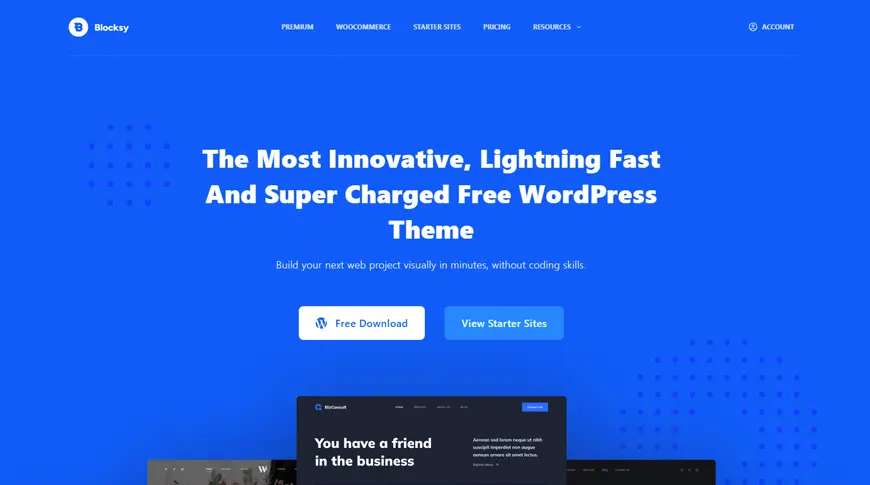
Blocksy is a lightweight, modern, and fast WordPress theme built specifically with greater support for the block editor (Gutenberg) and WooCommerce. Blocksy is built using modern web technologies like React, Webpack, and Babel that ensure clean code and high performance.
Key Features
- Lightning Fast: Use modern code splitting via Webpack and smart asset loading to keep page weight minimal.
- Gutenberg Native: Deeply optimized for the WordPress block editor with the core pattern support and global style integration.
- Page Builder Friendly: Greatly compatible with advanced drag-and-drop builders like Elementor, Brizy, and Beaver Builder.
- Modular Product Page: Rearrange, show, or hide single product elements such as titles, pricing, rating, and add-to-cart buttons visually.
- Advanced off-Canvas Elements: Includes off-canvas product filters, smart mini carts, and quick view modals for a frictionless mobile and desktop shopping experience.
- Conversion Tools (Pro): Adds built-in features like a free shipping progress bar, variation swatches, product wishlists, size guides, and sale countdown timers.
- Custom Layout Layers: Granular control over product archive badges, rating, quantity inputs, and checkout/cart page layout.
- Header & Footer Builder: Intuitive drag-and-drop visual builders allow device-specific header and footer layout for mobile, desktop, and tablets.
- Advanced Typography: Access 900+ Google fonts with GDPR-compliant local hosting and custom font uploads.
- Global Palettes & Dark Mode: Deep color management with built-in dark mode capabilities.
Pricing
- Personal: $69 per year; use on 1 site
- Business: $99 per year; use on 10 sites
- Agency: $149 per year; use on unlimited sites
5. WoodMart

WoodMart is a top-selling, premium, multipurpose WooCommerce WordPress theme developed by XTemos, designed to build a fast, fully featured eCommerce store that loads instantly even with multiple WooCommerce plugins.
Key Features
- Prebuilt Demos: Includes over 100 ready-to-import website demos and hundreds of individual templates.
- Built-in Shop Tools: Features native AJAX shipping, wishlist, product comparison, swatch attributes, and a dynamic quantity discount system.
- Header Builder: Offers a visual drag-and-drop header builder to customize the top bars, mobile headers, and mobile navigation.
- Multi-vendor Support: Great compatibility with popular marketplace platforms like Dokan, WCFM, and MultiVendorX.
Pricing
Costs $69, which includes 6 months of technical support from XTemos, and can be extended to 12 months with additional fees. This comes with lifetime future updates included in the one-time purchase.
6. Kadence
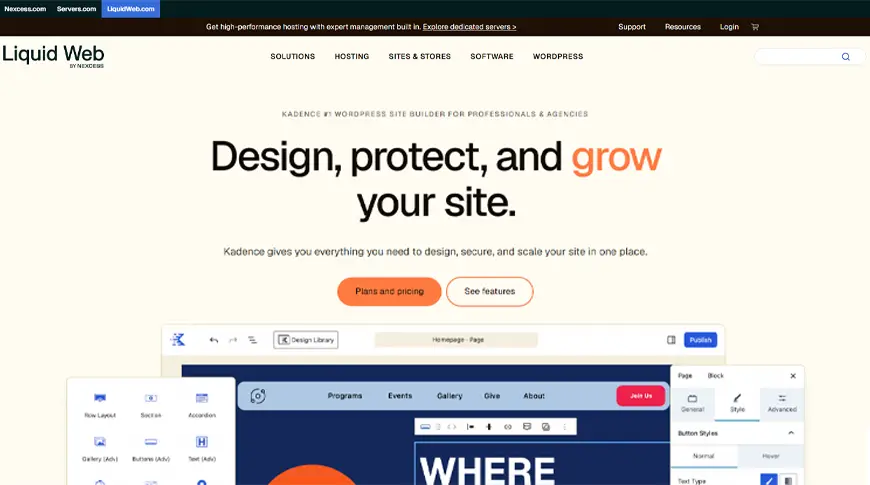
Kadence is a fast, lightweight, and versatile multipurpose WordPress and WooCommerce theme built for greater integration with the Gutenberg block editor. This theme focuses on speed, accessibility, and intuitive design control.
Key Features
- Drag-and-drop Header/Footer Builder: Easily add elements like search bars, account icons, and buttons directly in the live customizer.
- Global Design Control: Manage site-wide color palettes, typography settings, and buttons seamlessly.
- Kadence Blocks Integration: Enhances the native Gutenberg block editor with advanced rows, layouts, and responsive controls.
- Starter Templates: Access a rich library of pre-built, one-click installable starter website and shop layouts.
- Advanced Hooked Elements (Pro): Insert custom content, banners, or third-party hooks into specific site areas based on user roles or device types.
- WooCommerce Shop Kit (Pro): Adds advanced galleries, custom tabs, size charts, custom checkout fields, and product layout adjustments.
Pricing
- Free Plan: Includes core theme and basic blocks on WordPress.org
- Essential Plan: $99 per year for unlimited sites, including the theme, 30+ pro blocks, and 200+ starter templates.
- Pro Plan: $299 per year for unlimited sites, adding WooCommerce Shop Kit tools, security firewalls, and automated daily backups.
- Elite Plan: $499 per year for unlimited sites, adding multi-site management, client white labeling, and advanced tools.
7. OceanWP

OceanWP is a lightweight, highly extendable, multi-purpose WordPress theme optimized for building a fast eCommerce store in WooCommerce. OceanWP is designed as a modular framework, which means you can activate or deactivate features as needed to keep your site fast.
Key Features
- Product Quick View: Lets shoppers preview product details in a pop-up window without leaving the main website page.
- Off-canvas Filter: Offers a slide-out filter panel for product archives to improve user experience on mobile and desktop.
- Multi-step Checkout: Replaces the standard long checkout form with an organized, user-friendly multi-step checkout.
- Mini Cart Integration: Enables a quick dropdown or slide-in preview of cart items directly from the header.
- Sticky Add to Cart: Keeps an add-to-cart purchase bar visible on screen while users walk through the detailed description of the product.
- Custom Archive & Single Layouts: Allows independent, click-based customization of shop archives and single product pages straight from the WordPress customizer.
Pricing
- Free Plan: Available on WordPress.org
- Starter Plan: $42 per year for 1 website with premium features
- Personal Plan: $51 per year for 3 websites with premium features
- Business Plan: $95 per year for 10 websites with premium features
- Agency Plan: $170 per year for 300 websites with premium features
8. Storefront
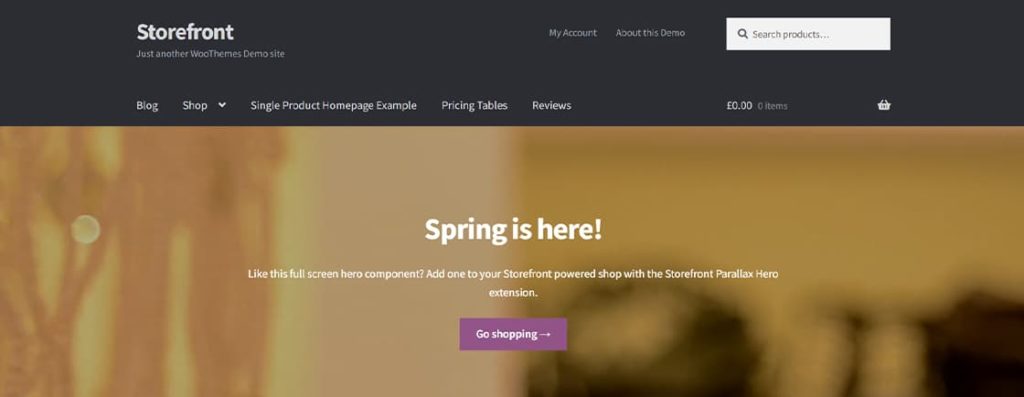
Storefront acts as a lean, flexible, and robust backbone for building an online store. More integrations help it avoid conflicts during major WooCommerce updates because it shares developers with the core eCommerce platform. Its starter foundation is designed to keep the layout simple, clean, and adaptable rather than forcing a heavy, opinionated design.
Key Features
- Native WooCommerce Core Connections ensure seamless transitions across shop archives, single product pages, carts, checkouts, and customer accounts.
- Responsive Layout automatically adjusts grids and templates to look clean on mobile phones, tablets, and desktops.
- Extensible Codebase allows developers to build child themes and customize functions without breaking core features.
- WordPress Customizer Tour guides users through modifying site identity, typography, core color theme, and button style during setup.
- Multiple Widget Regions & Menu offers flexible layouts, including primary, secondary, and handheld mobile navigation bars.
- SEO Optimized structure helps search engines crawl and index product pages efficiently.
Pricing
The base theme is completely free to download and use on unlimited websites.
9. Neve
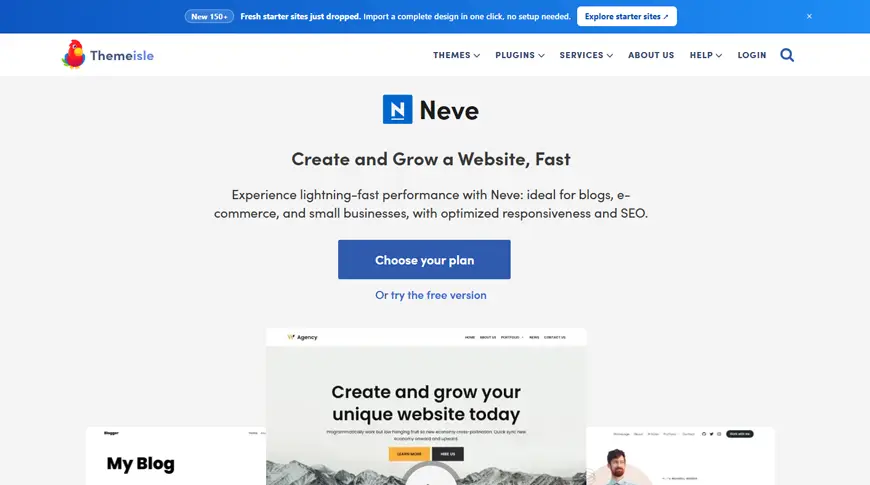
Neve by Themeisle is a multipurpose WordPress theme optimized for mobile performance, SEO, and WooCommerce integration.
Key Features
- Starter Sites: Access to a large library of pre-built, one-click importable starter templates customized for online stores, blogs, and businesses.
- Custom Header & Footer Builder: Drag-and-drop interface to arrange layout elements, add widgets, or set sticky headers.
- Advanced WooCommerce Enhancements (Pro): Includes features like Quick View popups, sticky/floating shopping carts, product gallery sliders, custom checkout layouts, and off-canvas shop filters.
- Global Styling: Comprehensive controls for global color palettes, typography, and container width adjustments across mobiles, desktops, and tablets.
Pricing
- Personal Plan: $69 per year
- Business Plan: $149 per year
- Agency Plan: $259 per year
10. Botiga

Botiga is a minimalist WooCommerce WordPress theme developed by aThemes that is optimized for performance, clean design, and a high conversion rate.
Key Features
- Header & Footer Builders: Drag-and-drop customization options with multiple desktop and mobile header layouts.
- Advanced WooCommerce Styling: Custom single product layouts, cart styles, and checkout styles.
- Conversion Tools: Live Ajax search, product quick view, wishlists, and sticky add-to-cart buttons (some features require Pro).
- Product Swatches: Advanced variant swatches for colors and images (Pro).
- Starter Demos: Import a ready-made store to launch a site quickly.
Pricing
- Personal: $79 for 1 website
- Professional: $199 for 10 websites
- Agency: $399 for 100 websites
Conclusion
Choosing the right WooCommerce theme in 2026 depends on what matters most for your store. Astra, Blocksy, Kadence, and Storefront are strong options if you want a flexible, performance-focused foundation, while Shoptimizer, Flatsome, WoodMart, Neve, and Botiga offer more specialized eCommerce features and ready-made tools. OceanWP is another flexible option for businesses that want to activate only the functionality they need.
Before selecting a theme, compare its current pricing, WooCommerce features, customization options, update policy, plugin compatibility, and long-term maintenance requirements. Avoid choosing a theme based only on design or a generic “fastest” or “best” claim; you can also hire a WooCommerce developer, who can suggest the best theme for your business and help you build a feature-rich, customized WooCommerce store. The right theme should support your store’s current requirements while giving you enough flexibility to scale as your catalog, traffic, and business needs grow.
FAQs
What is the best SEO theme for WooCommerce?
Shoptimizer and Astra are widely considered the best SEO and performance-optimized themes for WooCommerce.
What is the best mobile theme for WooCommerce?
Flatsome, Shoptimizer, WoodMart, Astra, and Storefront are the best mobile themes for WooCommerce, as they offer lightning-fast loading speeds, smooth touch navigation, and conversion-optimized mobile layouts.
What is the fastest WooCommerce theme?
Shoptimizer is widely recognized by performance experts as the fastest dedicated WooCommerce-specific theme, while Blocksy and Astra top the chart for lightweight, multipurpose options.
What is the best WordPress theme to use?
The best WordPress themes combine fast load times, easy customization, and compatibility with modern block editors and page builders. Each WordPress theme we discussed is best for different purposes; for example, Astra, Kadence, and Blocksy are all-rounder themes, while OceanWP, Flatsome, and Botiga are best for eCommerce and online stores. So choosing a WordPress theme depends on your business type and ultimate goals.
Can I customize a WooCommerce theme to match my brand?
Yes, you can fully customize a WooCommerce theme to match your brand identity using built-in site editors, global styles, and no-code tools.
How do I install a free WooCommerce theme?
You can install a free WooCommerce theme directly from your WordPress dashboard by navigating to Appearance> Themes> Add New.
Table of Contents