
Quick Summary
- A good web design acts as both a digital visiting card and a digital store for a business.
- All-in-one builders like Wix, Shopify, Canva, and Framer help not only design but also build an entire website.
- No-code platforms and AI web design tools are popular nowadays, which help users build professional-looking sites without any prior coding experience.
Table of Contents
Web design plays a critical role in attracting, converting, and retaining visitors. It defines the user experience because the web design is not only about how your website looks but also about how it navigates the visitor through the site, how pages load, and the hassle a visitor has to go through to take any action or complete a specific process on your site.
A good web design can turn your business into a brand, whereas a bad design would fail the launch. That is why you need to hire the best web designers who understand your needs and use their creative excellence to deliver desired outcomes.
The outcome of a web design process is directly tied to the tools you use. That is why it is necessary for you to use the right tools. In this blog, we list the top 15 web design tools along with their features, pros, and cons to help you make an informed decision.
Top 15 Web Design Tools
Explore the most popular and widely used web design tools, each with a unique set of features, strengths, and limitations.
1. Wix
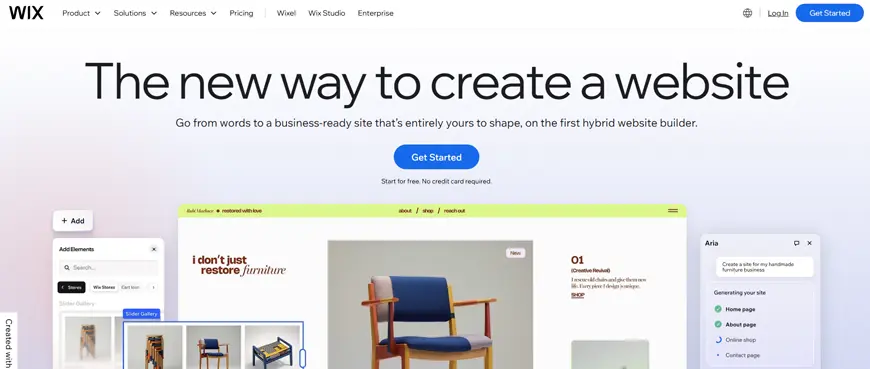
Wix is one of the best web design tools. It comes with an easy-to-use drag-and-drop interface to help with website design, development, administration, and modification.
Without actually having the knowledge about DNS programming language, server building, or renting, Wix users can easily build a website with the help of its graphical user interface.
Wix automatically handles the technical aspect of web development, allowing users to focus only on the web design.
Features:
- Drag-and-Drop: Create the website you want by incorporating web elements from the platform library.
- Supports Analytics Tools: To track site performance, ads, and campaigns.
- Vast Library: Offers templates for every type of business and non-profit organization.
Pros:
- Community: Get expert support and guidance for any project difficulty from its online community.
- Integration: Supports seamless integration with many other platforms and systems.
Cons:
- Expensive: The pricing plans of Wix are costly compared to other popular web design tools.
- Limited Features: The basic plans do not even offer good storage space or standard email accounts.
Price:
Free plan is available while premium packages start from $14/month.
2. Shopify

Shopify is the go-to option for many businesses and developers looking to create an online store. It comes with robust features that enable you to design a feature-rich and visually elegant eCommerce website. Interestingly, it allows users to create a completely professional-looking online store without writing even a single line of code. You can purchase the store domain directly from Shopify. It also offers built-in security through an SSL certificate.
Features:
- Payment Methods: Supports multiple payment options.
- Native Marketing Tools: To market and sell more products.
- Mature Integration Ecosystem: Provides various third-party integrations to expand your store’s functionality.
Pros:
- User-friendly: It is easy to use the platform to set up the store.
- Scalability: Supports online business growth without any technical hassle.
Cons:
- Customizability: Provides limited options for design customization.
- Costly: Incurs transaction fees in addition to monthly subscription costs.
Price:
Plans start from $29/month. Billed annually.
3. Figma
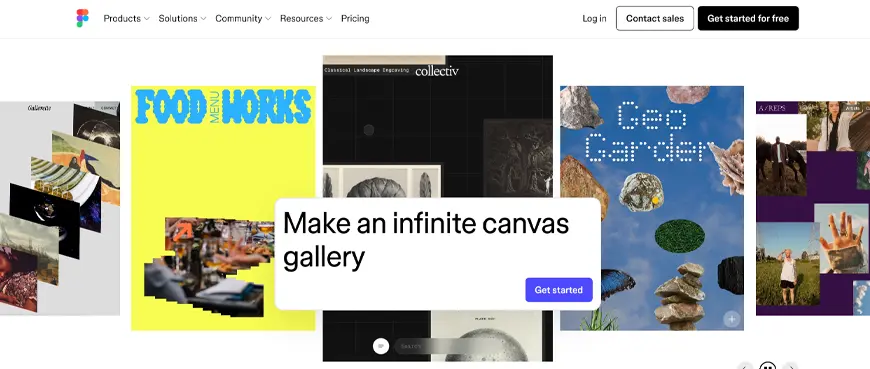
Although Figma is one of the new web design tools, it has become quite popular and widely used among web designers. It is rich in functionality for web design and prototyping. Figma comes with a user-friendly, vector-based interface that helps deliver results similar to those from Adobe XD or Sketch.
But what really sets Figma apart is its cloud-based, collaborative approach. This enables multiple team members to work simultaneously on a single file and allows stakeholders to leave feedback.
Features:
- Complete Tool: Offers everything you need to design an end-to-end user experience.
- Customizability: Provide various customization options to help produce desired outcomes.
Pros:
- Affordable: Cost-effective plans. Free for students.
- Adaptability: Use community plugins or create your own to enhance the tool’s functionality.
Cons:
- Unresponsive: Has a slow response time and often lags in performance.
- Learning Curve: Takes time to master this web design software.
Price:
A free plan is available, while the paid plan starts from $12/month, which is billed annually.
4. Adobe XD
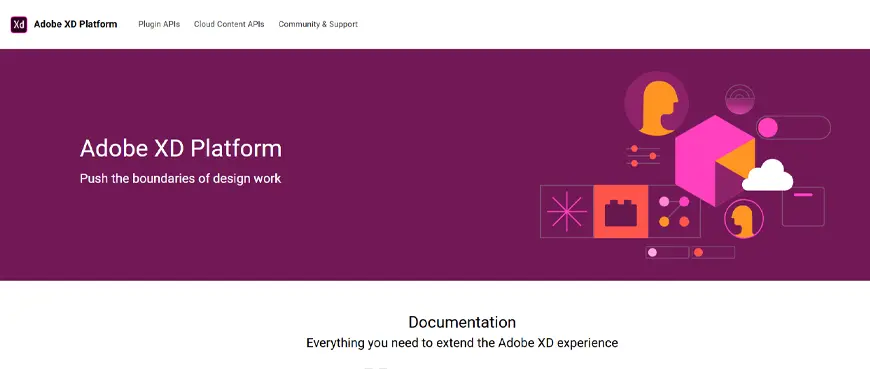
Created specifically for UI designing and prototyping, Adobe XD is a vector design and wireframing tool. XD consists of drawing features that allow you to define dynamic user interactions and previews for mobile and desktop devices. Since it’s part of the Adobe Suite, XD allows easy access to other Adobe web design tools like Illustrator and Photoshop.
Features:
- Repeat Grid: Helps duplicate galleries and lists for different web pages.
- Import: Allows you to import files from other Adobe-based tools.
- Interactive Elements: Adobe XD supports creating animations and responsive web designs.
Pros:
- Simple Interface: Beginners can easily get started with this tool, even though it can fulfill advanced design requirements.
- One-Stop Shop: It is an all-in-one tool that caters to all kinds of design requirements.
Cons:
- Limited: The customization options are very limited in Adobe XD.
- Not Specialized: The advanced design capabilities of XD don’t match the capabilities of other specialized web design tools.
Price:
Free plan available. Paid plans start from $9.99/month.
5. Sketch
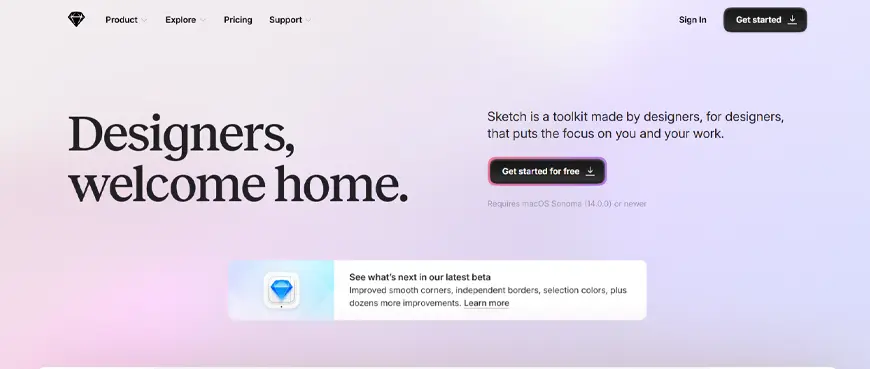
Sketch is a web design tool popular for its speed and clean interface. Users can easily create visually elegant designs and detailed mockups in Sketch compared to other tools. Sketch works well with every tool, many tools, and systems, thanks to its mature plugin ecosystem.
Features:
- Auto-resizing: Resizes content and objects automatically to make the design responsive.
- Auto-save: To prevent loss of work.
- Template Library: Quickly get started with designing.
Pros:
- Efficient: Has a streamlined design process for efficient outcomes.
- Customizability: Provide hints and GitHub support to customize the code.
Cons:
- Limited Features: Does not offer a comprehensive suite of design services like an all-in-one design tool would.
- Availability: Can only be accessed and used on macOS platforms.
Price:
Annual subscription of $9/user per month.
6. Framer
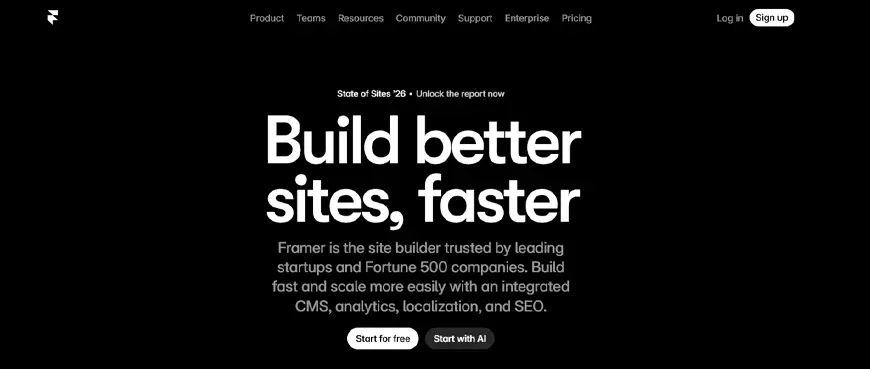
Framer provides the capabilities for both website design and development. Whether it is detailed prototypes or production-ready websites, Framer is your one-stop design solution. If your team focuses on creating functional and polished designs, then Framer is the perfect choice for you.
Features:
- Code Export: Hand off the code directly to the development team by exporting or sharing it from the tool.
- Team Collaboration: Framer supports real-time project collaboration.
- Reusability: With Framer, you can create reusable design components.
Pros:
- Detail-oriented: Turning a Framer-based design into a functional component is easy.
- Engaging Design: Provides interactive elements to create modern designs.
Cons:
- Learning Curve: Difficult to learn compared to other new web design tools.
- Small Community: Framer is still new and hence not used widely among the design community.
Price:
A free plan is available. Basic plan costs $15/month. A small plan is available for $5/month.
7. Adobe Photoshop
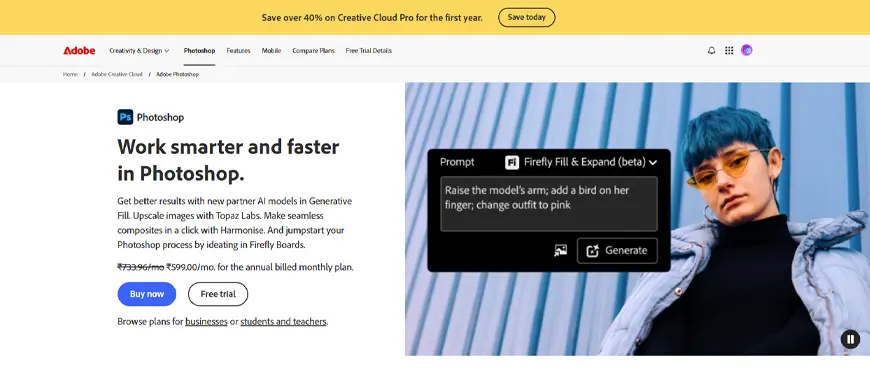
Photoshop is a complete graphic design tool. In a way, it’s a leading tool that has set standards for others. Initially, Photoshop was only used as a photo editing tool, but it has evolved over time. Now, Photoshop is used for custom graphics, video editing, interface design, illustrations, and more. The level of flexibility offered by this web design tool is the reason why it has such a huge fanbase.
Features:
- Photo Editor: Help adjust colors, retouch images, and create complex compositions.
- Integration: Works seamlessly with other Adobe-based tools.
Pros:
- Toolbox: Provides a vast collection of tools to create and modify images.
- Versatility: Photoshop is not just a photo editing tool, but also helps create visualizations and site layouts.
Cons:
- Learning Curve: Mastering this tool demands significant time and effort.
- Resource Intensive: If you are using old PCs or computers, this web design software can use up many of your resources.
Price:
A full version of Photoshop is available for $22.99/month.
8. Canva
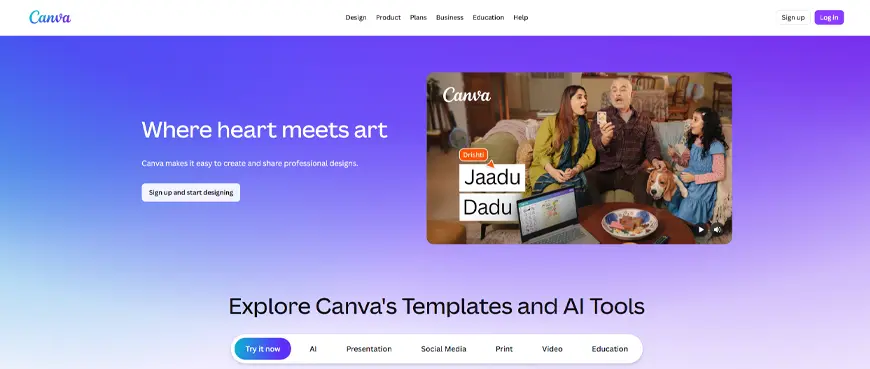
Canva is one of the most straightforward web design tools. It comes with an intuitive interface and a drag-and-drop feature that helps you create and experiment with your designs easily. Even though the tool is simple, a skillful designer can leverage it to craft accurate prototypes and detailed site layouts.
Features:
- Template Library: Provides numerous templates for designing various types of visuals.
- Real-time Collaboration: Create designs with your team.
Pros:
- Affordable: You can simply use its free version to create different types of web designs.
- Easy: You don’t really need to be an expert designer to use Canva. Even beginners can craft professional-looking designs with Canva.
Cons:
- Over-reliance: Designing in Canva is completely dependent on templates, which can hinder the creative freedom of web designers.
- Costly: Most of its best features are locked behind a paywall.
Price:
A free plan is available, whereas a paid plan starts from $119/year.
9. Google Web Designer
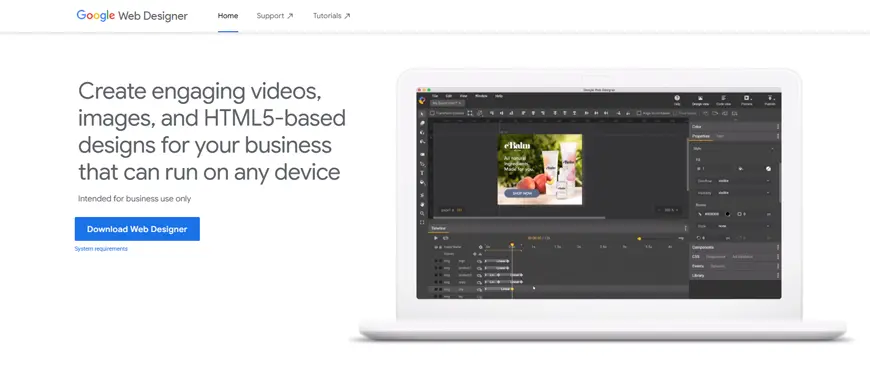
Google Web Designer enables you to create visually appealing and engaging web pages and visuals. It ensures that your web designs look good and work as expected across devices like computers and smartphones. UI/UX designers use this tool to create images, videos, and HTML5-based responsive web designs.
Features:
- Intuitive GUI: It allows you to add 3D animations, texts, and shapes.
- Extensive Library: Provides visuals like images and videos that can be used for marketing purposes.
Pros:
- Optimized for Ads: Help create HTML5 banners, videos, and interactive ads that can be run directly in Google Ads campaigns.
- Code flexibility: Provides both a visual editor and a code editor.
Cons:
- Learning Curve: Mastering this web design software is difficult.
- Performance Issues: Using this software on a system with lower specifications often results in performance lags and requires a system reboot.
Price:
The Google Web Designer tool is available for free.
10. Bootstrap
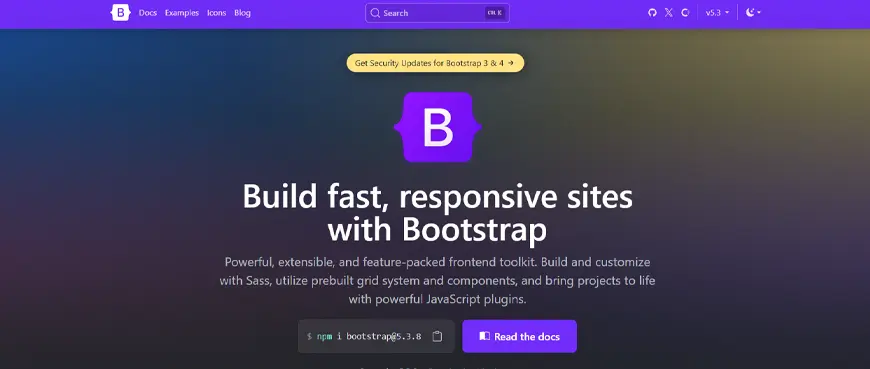
Bootstrap is one of the most favorite web design tools. It completely transformed web development, becoming a preferred choice for building responsive and mobile-first websites.
When you have to program a website from scratch, using Bootstrap simplifies and speeds up development by offering CSS, HTML, and JavaScript libraries. Apart from that, it also provides a vast collection of readymade components like headers, alerts, and navigation.
Features:
- Compatible: Bootstrap helps build web designs that run smoothly across all devices.
- Customization: Allows customization of colors, components, and utilities with SaaS variables.
Pros:
- Rapid Development: Providing pre-built components helps accelerate the development process.
- Documentation: Bootstrap has a large and active community offering comprehensive documentation for various aspects of the development process.
Cons:
- Bloated: Provides components that are not actually needed, leading to large file sizes.
- Generic design: Websites created using Bootstrap look similar unless you implement significant CSS customization to make your site look unique.
Price:
Available for free to use.
11. Visual Studio Code
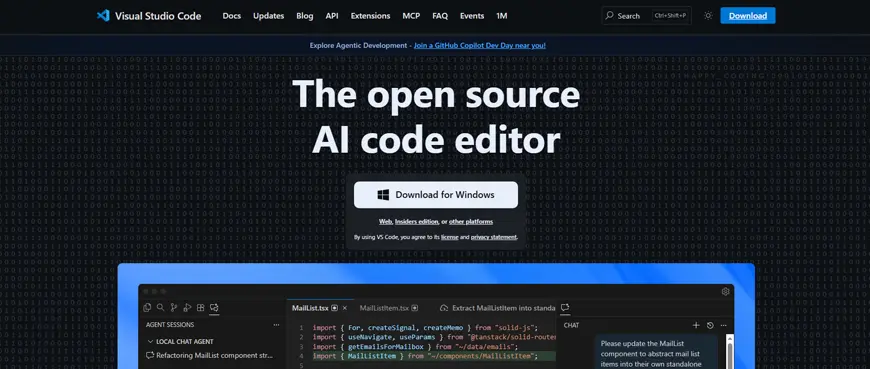
Visual Studio Code is an AI web design tool for Windows, what Sublime Text is to macOS. It comes with an intuitive interface that helps design websites using CSS and HTML. The design process in Visual Studio Code is perfectly streamlined when coding manually. So even if you don’t have any coding experience, you can easily craft professional-looking designs with VSC.
Features:
- Extensions: Provides numerous extensions to increase the functionality.
- Dedicated Code Editor and Debugger: Help create customized and high-quality web designs.
Pros:
- Easy to Use: Its intuitive user interface makes Visual Studio Code a great web design tool.
- Version Control Integration: It automates the version control process, streamlining the entire web development lifecycle.
Cons:
- Slow: VSC is often reported to be lagging in loading speed and performance.
- Resource Intensive: VSC uses up a lot of memory storage and battery power, especially on computers with limited resources.
Price:
Available for free to use.
12. InVision Studio
Initially, Invision was an online web design tool, but over time, it has evolved into an all-in-one UI designing and prototyping tool. Similar to advanced web design tools like Sketch, InVision Studio also offers motion animations, collaboration tools, and options for building and sharing prototypes of the designs. Invision allows you to visualize their designs and check the end-user experience of your web designs.
Features:
- InVision Freehand: Help experiment, brainstorm ideas, and create new templates.
- Real-time Collaboration: Allows other users to comment or leave feedback on your work.
Pros:
- Responsive Designs: Provides features, advanced pinning, and percentage geometry that help directly create built-in responsive designs.
- Shared Component Libraries: You can create a design component directly in the Studio, allowing other team members to use and update it.
Cons:
- Limited Adoption: With competitors like Figma and Canva, the community using this tool is very small.
- Difficult to Use: Although it is claimed to be easy to use, many designers find its interface and advanced features difficult to master.
Price:
InVision Studio offers both free and paid plans.
13. Webflow
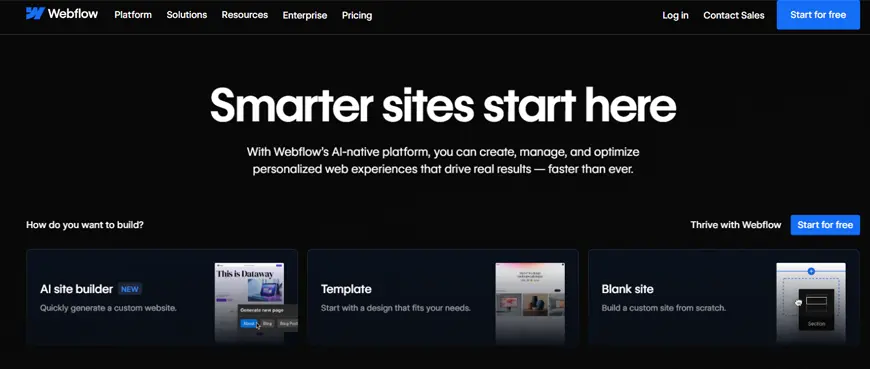
Webflow is a no-code tool that allows even non-technical personnel to get started with web design. It provides a drag-and-drop interface, which helps users drop elements on a web page. The platform offers several design templates with clean and organized code. So, if you don’t have any coding experience, its AI web design automation tool will write essential HTML/CSS code. It also allows you to make necessary adjustments.
Features:
- Online Visual Editor: For designing, building, and launching interactive website designs
- Comprehensive Component Library: Offers a vast collection of layouts, patterns, and components.
Pros:
- Better Control: Webflow bridges the gap between traditional builders and manual coding to design modern website structures.
- Free: There is no trial limit. You can use the free plan to create as many web designs as you want.
Cons:
- Steeper Learning Curve: Although it’s just a drag-and-drop builder, mastering Webflow takes more time compared to other similar website builders.
- No Export or transfer: Webflow doesn’t allow you to transfer existing code or export web content from the platform.
Price:
Offers a free plan and a paid plan starting at $12/month, billed annually.
14. Bluefish
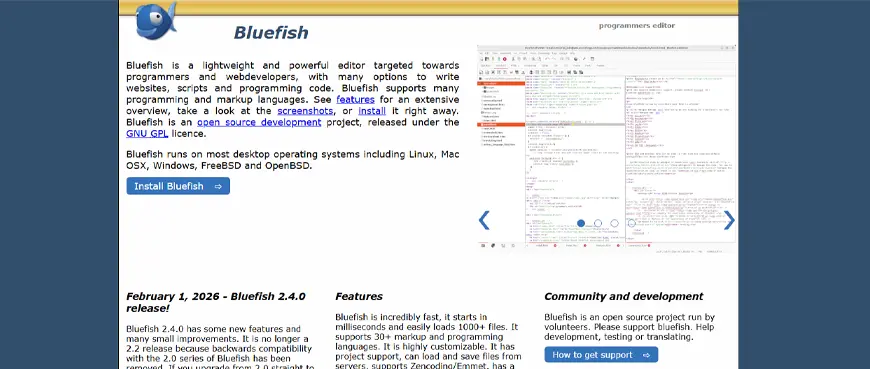
Bluefish is a beginner-friendly website design software. Its text-only interface helps you write clean code. The tool mainly focuses on designing through HTML coding, but it is versatile enough to support XML, CSS, JavaScript, SQL, Java, and PHP.
Features:
- Advanced Code with Wizard: For advanced code to automate complex tasks, create boilerplate code.
- Syntax Highlighting: Helps categorize source code and key terms with different colors.
Pros:
- Faster: Bluefish features a text-only interface, making it a lightweight web builder for creating quick websites.
- Customizable: Comes with a menu and toolbar that can be customized as per your requirements.
Cons:
- Text-only interface: Web designs are made better when created using a visual interface, which is lacking in this tool.
- Lack of Updates: The tool is not updated regularly. So, sites created using this tool may lag in web standards.
Price:
Bluefish is a free website design tool.
15. Weebly
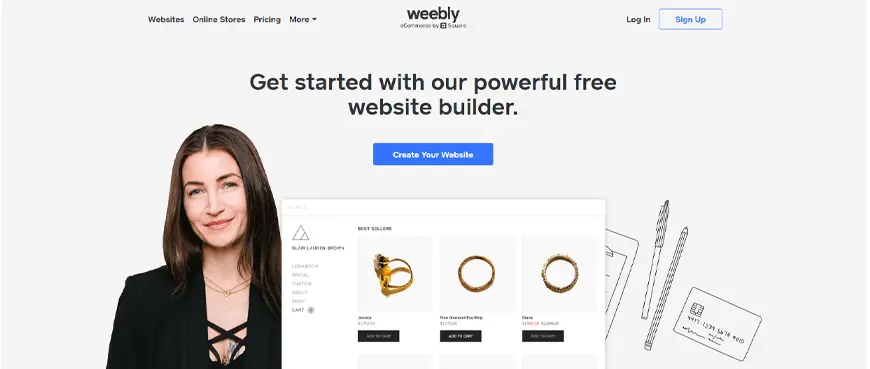
Weebly is an online CMS tool helping designers with little or no coding experience craft engaging websites. It comes with a template library and a drag-and-drop functionality. Although it offers a limited number of themes, Weebly provides options for users to create personalized websites.
Features:
- Built-in eCommerce Tools: Weebly provides functionalities to design an online store.
- Built-in SEO and Analytics: Help gather data and improve your site’s search visibility.
Pros:
- Affordable: Weebly offers cost-effective pricing plans.
- Responsive Themes: Help create mobile-first designs.
Cons:
- Limited Support: Weebly is ignored over other specialized tools, leading to reduced community and technical support.
- Outdated Editor interface: Weebly has not been updated in a while, so it lacks the robust capabilities to design a modern website.
Price:
Offers both free and paid versions.
How to Choose the Right Web Design Tool?
The more options you look at, the more you will be confused. Every feature has something unique to offer, but if you have specific requirements in mind, then it becomes easy to pick a suitable tool. To make the right choice, consider these key factors that will help you determine which web design tool best fits your needs:
- Purpose: What kind of website are you creating the design for? Is it for a blog page or an eCommerce site, a portfolio, or an enterprise web app? Making sure that your design follows basic web design principles for usability and aesthetics is crucial.
- Integrations: Look at its compatibility with existing and third-party systems.
- Real-Time Collaboration: Does it allow your team to work on a single project simultaneously? Can stakeholders leave their feedback on the design in real-time?
- Customizability: Does the tool allow you to craft a personalized design? What kind of customization options does it offer?
- Ease of Use: Is it easy to learn or use the given web design tool?
- Cost: What are the subscription charges for using the tool and its advanced features?
- Support: Do they offer help and guidance whenever required? What media do they use?
Along with these factors, always keep in mind that the tool stays updated with the latest trends in web design, helping your business grow alongside the evolving market.
Conclusion
A variety of web design tools are available in the market. In this blog, we covered the top tools from almost all categories, like generalized and specialized tools. We also looked at all-in-one website builders and graphic-design specific tools. Some are beginner-friendly, whereas others demand extensive coding experience for high impact and desired outcomes.
But as we discussed, the key to selecting the right web design tool depends on having clarity on your design requirements. Compare them against the features, strengths, and limitations of the tool, and you will find the right fit.
FAQs
What are the top web design tools for designers?
Figma, Sketch, Adobe XD, Webflow, Framer, and Photoshop are some of the best web design tools for designers.
What are the popular web design tools for non-designers?
Canva, Wix, and Elementor are the top web design tools for non-designers.
Difference Between Web Design Tools and Web Design Software?
Web design software is a specific set of instructions run as a function. It is installed on an application or a system and doesn’t have any access to the web. Meanwhile, a web design tool is a program or a web application that is created and updated as per requirement. They work the same as the web design software but without holding any extra storage from the operating system.
What are the 7 steps to web design?
Given below is a completely structured seven-step approach to web design:
1. Research and Analysis
2. Strategy and Planning
3. UI/UX Design
4. Content Creation
5. Programming and Development
6. QA and Testing
7. Deployment and Maintenance
What are the 7 C’s of a website?
Rayport and Jaworski gave a highly influential 7C’s framework. Those 7 C’s include Context, Content, Community, Customization, Communication, Connection, and Commerce.